How to Prepare Your Artwork for Embroidery Digitizing (Checklist)
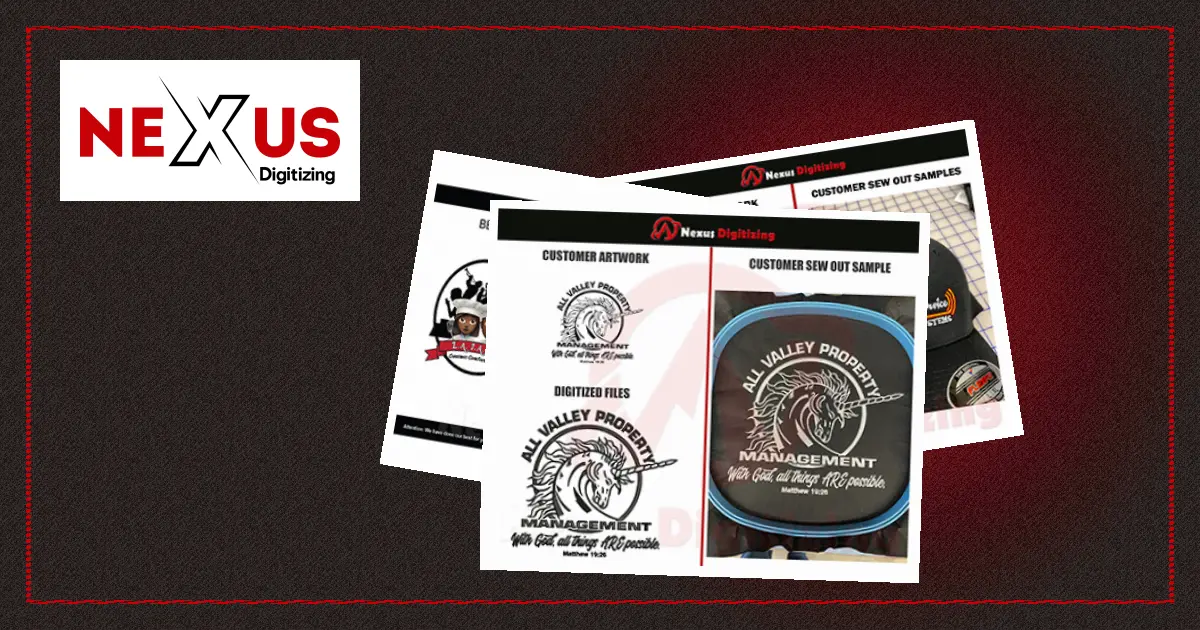
The quality of an embroidered logo is decided before a single stitch runs. Clear artwork and a few key details let your digitizer build a file that stitches cleanly the first time, without guesswork, back-and-forth or wasted garments.
Here's exactly what to send, along with the design tips professionals use.
1. Send the best version of your logo
From best to acceptable:
- Vector file (AI, EPS, SVG, vector PDF): clean edges at any size
- High-resolution PNG or JPG, ideally 1,000 px or more on the longest side
- A clear photo of an existing embroidered or printed item
- A sketch, which works for custom designs and just needs clear notes
If your only copy is a blurry screenshot, don't worry. Our vector conversion service can redraw it cleanly, which also gives you sharp artwork for print, signs and your website.
2. Tell us the exact size and placement
Embroidery is digitized for a specific size, so a file built for a cap won't look right on a jacket back. Always give the finished width or height in inches and where the design goes. Common sizes:
| Placement | Typical size |
|---|---|
| Left chest | 3–4 in wide |
| Cap front | up to about 2–2.25 in tall, 4–5 in wide |
| Sleeve | 2–3.5 in wide |
| Full front | 8–10 in wide |
| Jacket back | 10–12+ in wide |
Each placement needs its own file. See left chest digitizing, cap digitizing and jacket back digitizing.
3. Name the fabric
Fabric changes everything: density, underlay and pull compensation. A design for a stretchy performance polo is digitized differently from one for a thick fleece, a structured cap or a towel. Just tell us "pique polo", "twill cap", "hoodie", "towel" or "leather".
4. Share your thread colors
If you have brand colors, send the Pantone codes or thread numbers (Madeira, Isacord, Robison-Anton and so on). Otherwise, we'll match the colors in your artwork and include a thread color sheet with your file.
5. Choose your machine format
Tell us your machine brand, or simply ask for DST + PES, which covers most machines. Not sure what the formats mean? Read Embroidery File Formats Explained.
Design tips that embroider beautifully
Keep text readable
Capital letters should be at least about 1/4 inch (6 mm) tall. Thin script fonts and serif details need more room. For tiny text, we use specialist small-lettering digitizing, but sometimes the best fix is to enlarge or simplify the text.
Avoid hairline details
Lines thinner than about 1 mm can't be stitched as satins and may disappear. We'll thicken them slightly or turn them into a running stitch.
Simplify gradients and shadows
Embroidery thread is a solid color. Gradients can be blended with stitches, but a simplified version with 2–4 color steps usually looks crisper.
Think about the number of colors
Most commercial machines carry 12–15 needles, but every color adds a change. Fewer colors usually means a cleaner look and faster production.
Consider special effects
Want the logo to stand out? 3D puff raises bold shapes on caps, and applique uses fabric pieces to cover large areas with fewer stitches.
The quick order checklist
- [ ] Best available artwork (vector, high-res, photo or sketch)
- [ ] Finished size in inches
- [ ] Placement (left chest, cap, jacket back…)
- [ ] Fabric or garment type
- [ ] Thread colors (optional)
- [ ] Machine format (or DST + PES)
- [ ] Deadline, if you need a rush
Ready to send it?
Upload your artwork and our digitizers will take it from there: a stitch preview for approval, free edits until it's right, and left chest or cap logos from $15. Prefer chat? Tap the WhatsApp button and send the file directly.
Frequently asked questions
What file type is best for embroidery digitizing?
A vector file (AI, EPS, SVG or PDF) is ideal. A high-resolution PNG or JPG also works well. Even a phone photo or sketch can be digitized, though it may take a little longer.
What is the smallest text that can be embroidered?
As a general guide, capital letters should be at least about 1/4 inch (6 mm) tall to stay readable. Thin script fonts need to be larger.
Can you digitize a logo with gradients?
Gradients can be suggested with blended stitches or simplified into solid color steps. We'll advise you on the cleanest approach for your design and fabric.
My logo is blurry. Can you still digitize it?
Usually yes. We can redraw it first with our vector conversion service, which also gives you clean artwork for printing.